
Kora checks each stage change against your rules. Admins set the order and allowed moves.
Project Management
Kickoff to invoice, on one page.
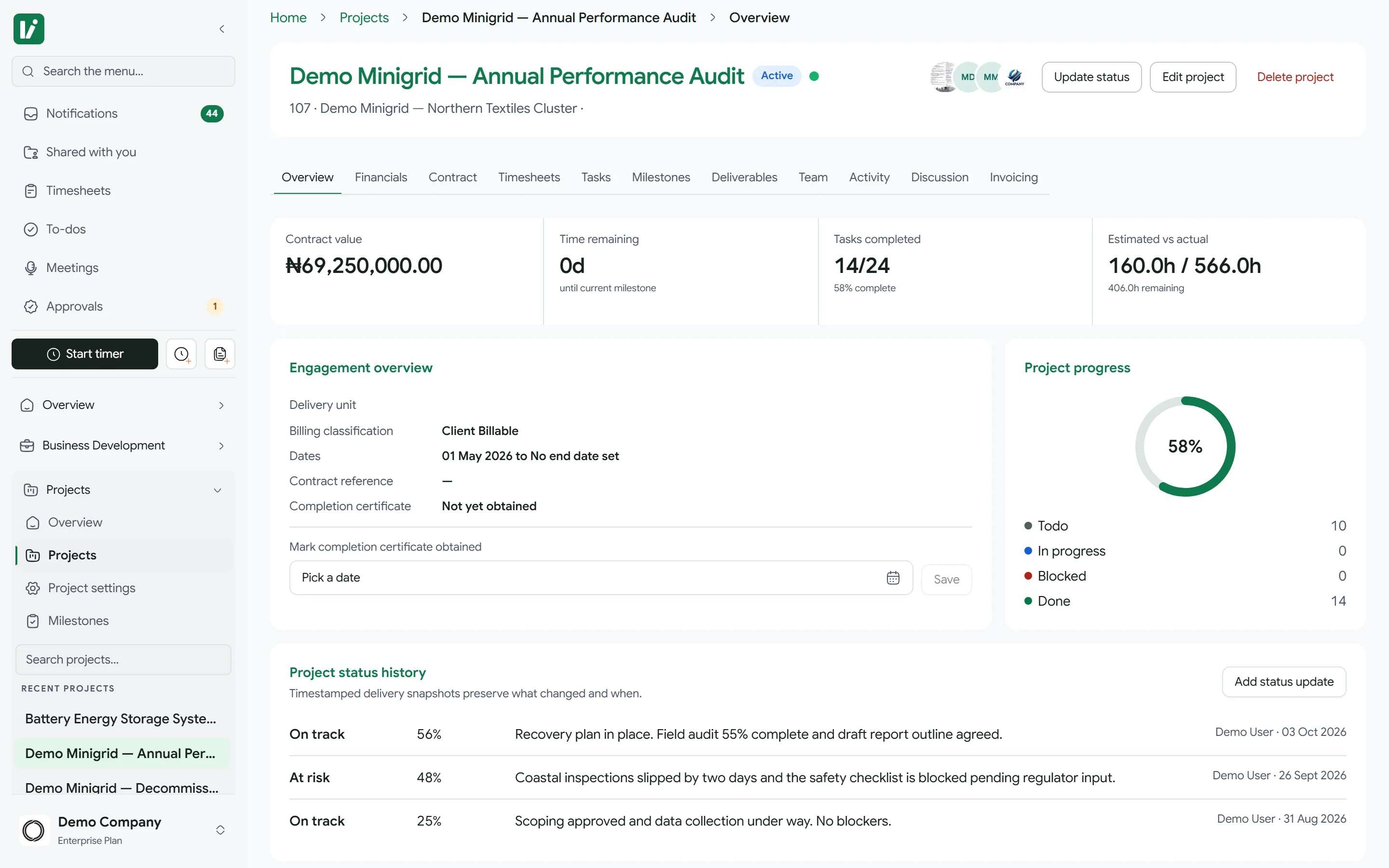
Scope, team, tasks, milestones and money on one project record.
- Budgets in a spreadsheet.
- Billing news by email.
- Clients chasing updates.
One record for delivery and finance.
Project stages01 / 09
Draft
Being scoped
- Draft
- Initiated
- Planning
- Active
- Under review
- Invoiceable
- Invoiced
- Completed
- Closed
Default stages. Admins can change them, and every move is checked.
Every morning Kora compares cost to budget and alerts the owner and admins past your threshold.
Approved, billing-ready milestones turn into invoice requests with the amount already on them.
Clients sign off milestones, follow progress and message your team, for their project only.
OverviewFinancialsContractTimesheetsTasksGanttMilestonesDeliverablesTeamActivityDiscussionInvoicingTemplatesCustom fields
Questions.
Can we change the project stages?
Yes. Admins set the stage order and the allowed moves in project settings, and Kora checks every change on the server.
How does a project connect to billing?
Projects are Time & Materials, Fixed Fee or Non-Billable. Billing-ready milestones become invoice requests for finance.
Can we export our projects?
Yes, to CSV, whenever you need to.
Deliver the work, and bill for it on time
Start a 7-day trial, or book a demo with one of your live projects.